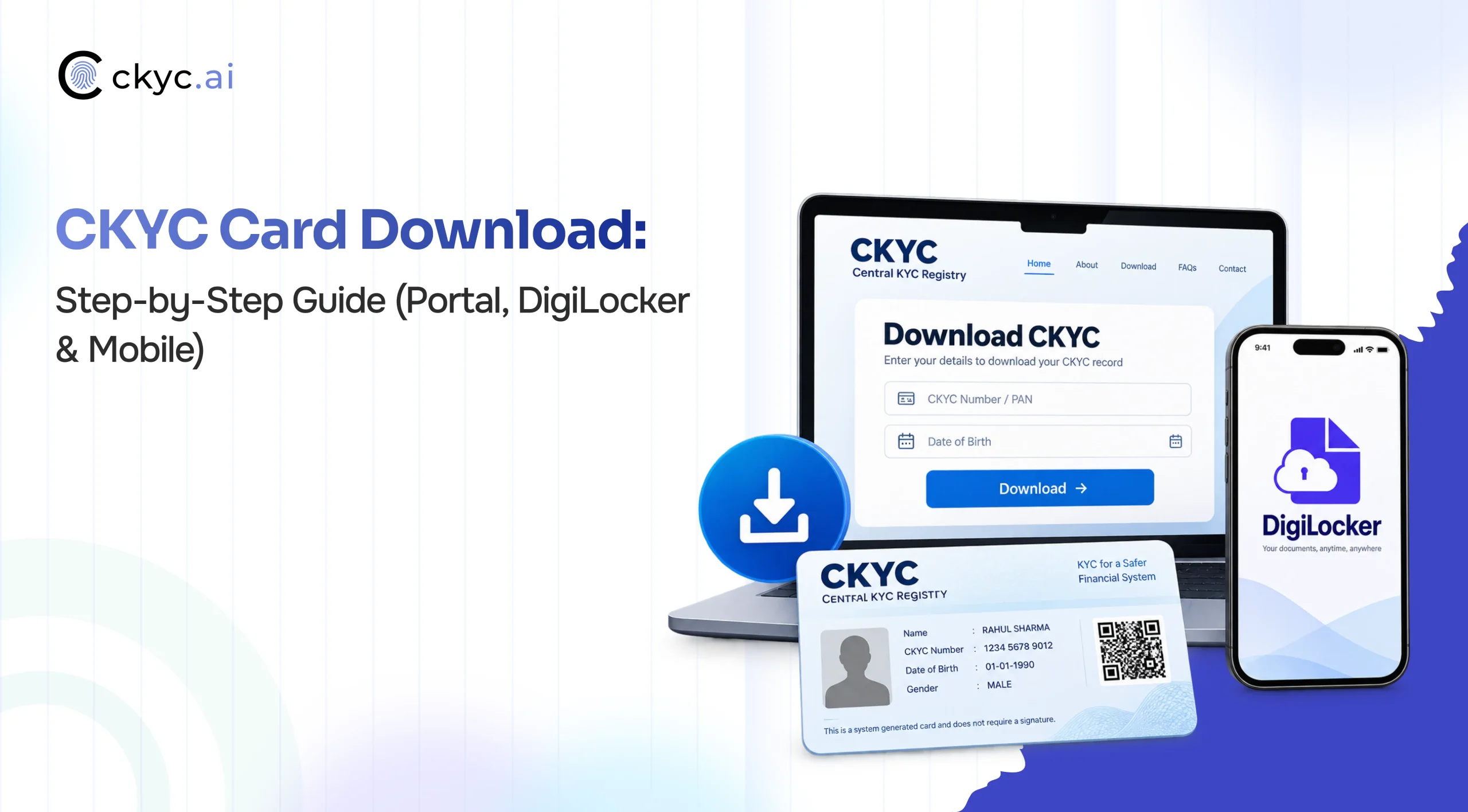
CERSAI allows financial institutions to store and fetch Customer KYC records. Customers can directly share their CKYC card with an institution instead of repeating the physical KYC documentation process. This saves time and makes accessing financial services easy and convenient. Just follow the step-by-step guide and download the CKYC card quickly.
What is a CKYC Card?
A CKYC Card contains the verified KYC details of an individual. The Central repository allocates a KIN (Unique 14-digit KYC Identification Number) to an individual whenever their CKYC data is submitted for the first time. This card contains your photograph, KIN, full name, date of birth, gender, email address, mobile number, address, and other relevant details.
Details You Need for CKYC Card Download
- Mobile Number Registered with your KYC record
- DOB as Password
- For DigiLocker: Active DigiLocker Account
Methods to Download CKYC Card for Individual Users
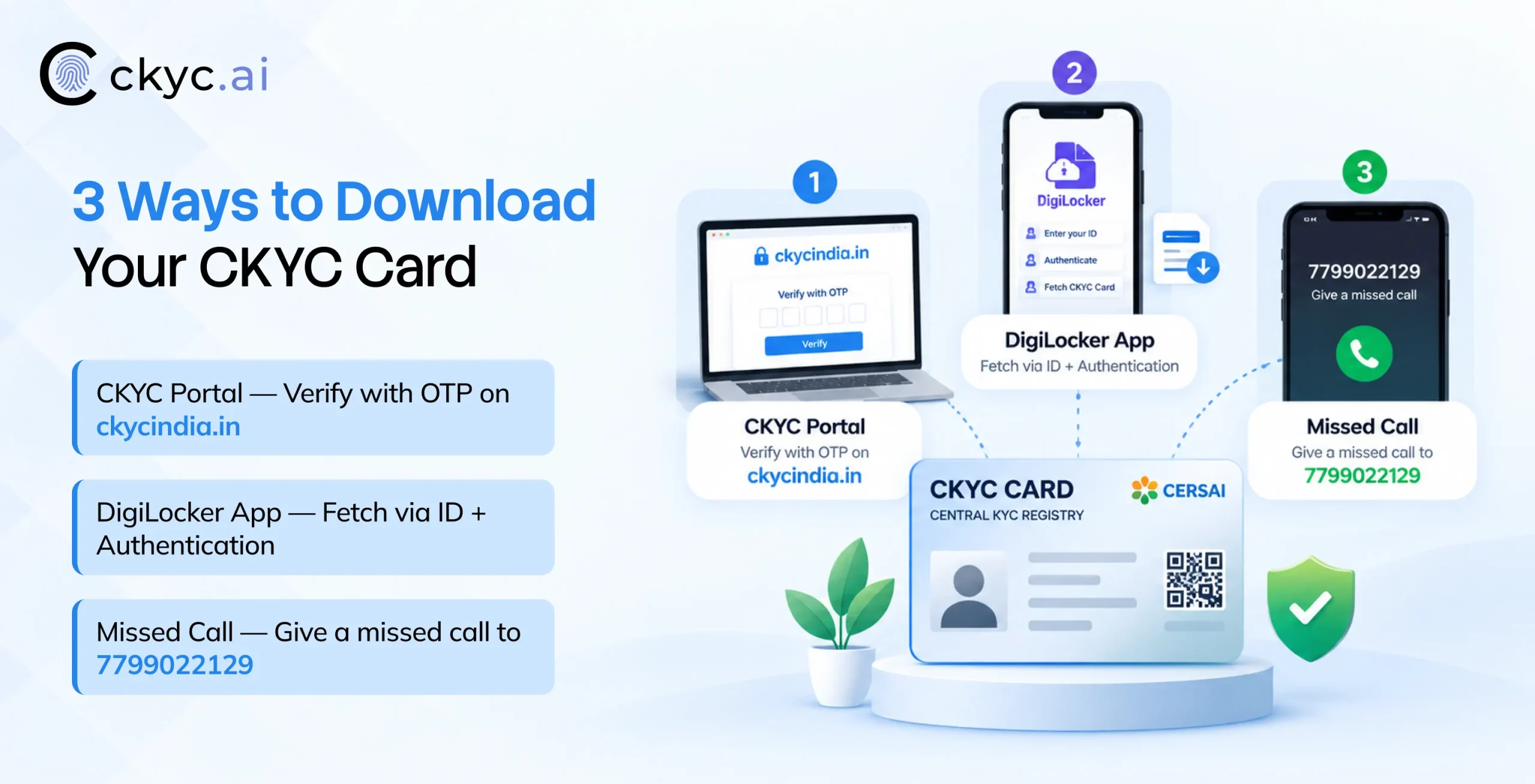
An individual can download their CKYC card from the CKYC India Portal, DigiLocker, and mobile number.
Method 1: Download Your CKYC Card from the CKYC Portal
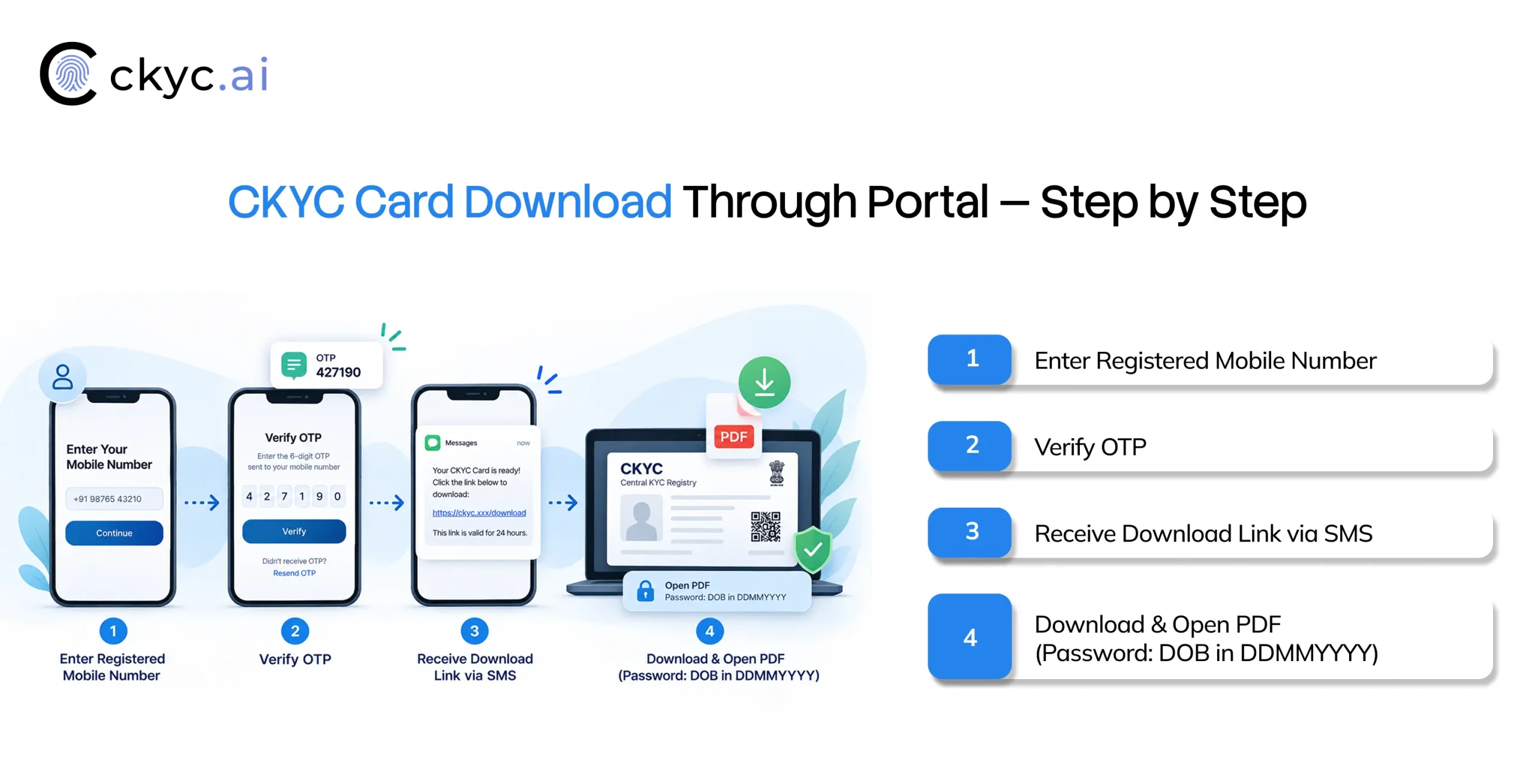
- Go to the official CKYC portal: ckycindia.in
- Click View CKYC Card.
- Enter your registered mobile number, fill in the captcha, and click Next.
- Enter the OTP you received on your mobile number.
- If more than one CKYC record is linked to your number, select the record you want.
- You’ll get a download link by SMS on your registered mobile number.
- Open the link and download the PDF.
- Open the CKYC Card PDF with the password.
CKYC Card Download Password
CKYC card download password is nothing but your DOB (Date of Birth) in DDMMYYYY format. For example, if you were born on 9 May 1990, the password is 09051990.
Note: If there is any inaccuracy on your card, kindly contact the financial institution that has updated your CKYC record.
Method 2: CKYC Card Download Through DigiLocker App
Open your DigiLocker (Download or log in if you don’t have a DigiLocker account)
- Open the DigiLocker app (Android · iOS) or visit digilocker.gov.in and sign in.
- Search for the CKYC card in the search box
- Select your identity (any of KYC ID, PAN, Aadhaar, passport, voter ID, Dl, NPL ID)
- Select the mode of authentication, mobile number, and enter the ID number
- Tap on document
- Your document will be fetched
- Tap CKYC Card
- Your CKYC Card will be fetched on your mobile device.
Method 3: Download CKYC card through Mobile Number
Apart from the CKYC portal and DigiLocker, Users can get their CKYC Card via their registered mobile number.
- Give a missed call to 7799022129 using your registered phone number.
- You’ll get an SMS with your CKYC details and/or a link to download your card.
- Open the link and follow the instructions to view and download your card.
Common CKYC Card Download Problems with Solutions
These are common issues that usually occur while accessing your DigiLocker account:
OTP or SMS not received
It usually occurs because your mobile number is not linked with the CKYC record or there is a network issue. Wait for a few minutes and retry. If the issue persists, kindly contact the bank and confirm which number is linked to the CKYC record.
No Record Found
It means your KYC record is not updated on the centralized registry yet. So, contact your financial institution where you completed the KYC record for updating.
PDF Password not working
It generally happens due to the wrong password format. Use DDMMYYYY with no spaces or symbols. Check that the date of birth on your CKYC record is correct.
Download CKYC Card through CKYC API For Business
Banks, NBFCs, and lending institutions onboard thousands of customers can directly access the customer CKYC details from the CKYC registry through CKYC API.
Businesses need the PAN, CKYC number, and DOB to get CKYC card details. This removes the multi-step process and reduces onboarding time. It increases the number of onboardings and eliminates costs spent on manual data entry, collection, and maintenance.
Note: Only regulated entities can access the CKYC records with explicit consent.
Conclusion
You can download the CKYC card in minutes from the CKYC Portal, DigiLocker App, or through 7799022129; just follow the above steps. Keep a copy of your card and your 14-digit KIN so you do not have to submit the KYC documents again when applying for loans, insurance, investments, or a new bank account. If you find any discrepancies in your CKYC details, contact the financial institution that updated your record. Regulated entities can use CKYC API for CKYC Card download with customer consent.
FAQs
Ques: How do I download my CKYC Card?
Ans: You can download your CKYC card from the CKYC India and DigiLocker App easily with your registered mobile number.
Ques: How can I get my CKYC Card from CKYC India?
Ans: Go to CKYC India, click on View CKYC Card, complete the process, and get your CKYC card on your mobile.
Ques: Is downloading the CKYC Card free?
Ans: Yes, you can download the CKYC card free of cost from the CKYC India Portal and DigiLocker.
Ques: Why does my mobile number show more than one CKYC record?
Ans: Different institutions may have created duplicate records. Ask the financial institution to merge them.
Ques: How do I correct or update details on my CKYC card?
Ans: No, you can not update your CKYC details by yourself. Take help from your reporting financial institution.